
An independent guide to Insyder
From story engagement
to a clearer next step.
The publicly presented features connect content, contacts and follow-up. Confirm availability in your chosen plan.
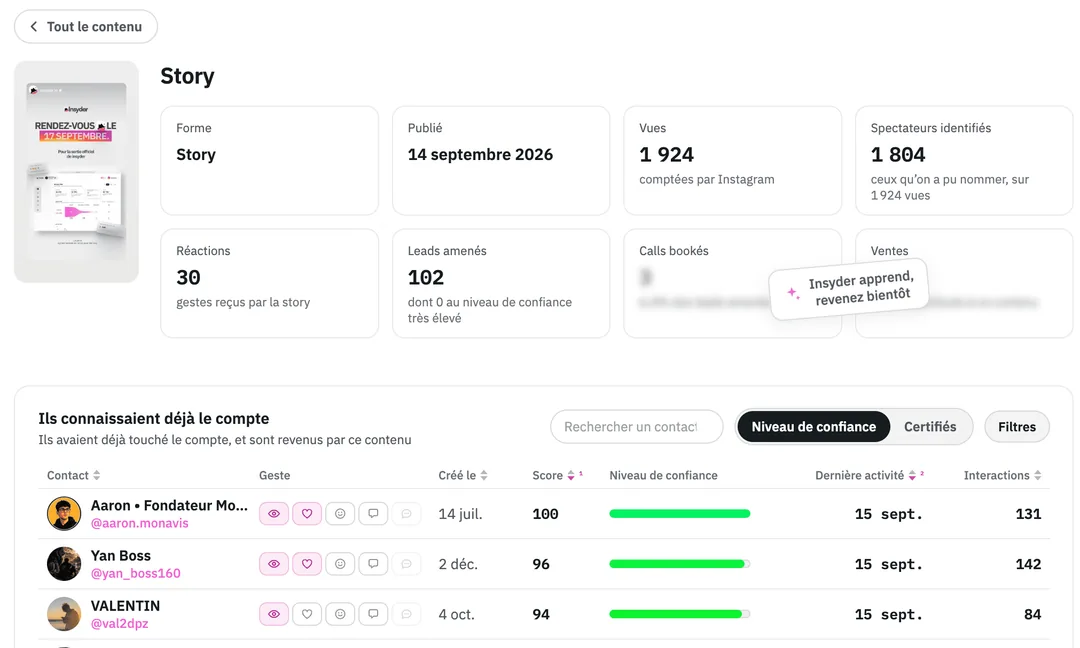
Stories: keep the context.
Insyder presents views that connect a story with the profiles and interactions associated with it. This can make it easier to revisit what prompted an exchange instead of relying on memory.
Check when recording begins after connecting an account and what history remains accessible. Do not assume the tool can recover all earlier activity.
Leads: organise the signals.
Contact lists, engagement indicators and alerts are presented as ways to decide where to look next. They help structure attention; they do not establish a contact’s budget, needs or purchase intent.
Combine the available context with your own qualification process and a respectful approach to communication.
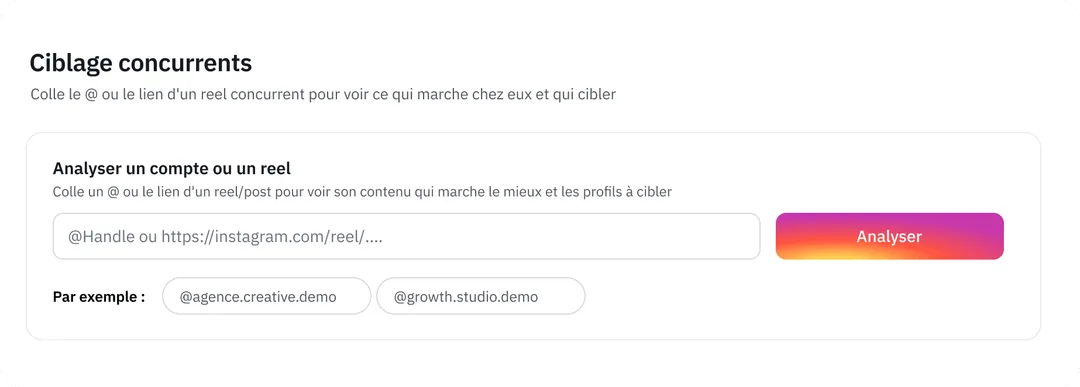
Integrations: ask precise questions.
The official presentation includes analysis connections and MCP-related workflows. Before using an integration, verify which data it can access, what permissions are needed and whether it is included in your plan.
- Which Instagram accounts and account types are supported?
- Which information is collected and retained?
- How are team access and exports handled?
- What happens to access and data when you cancel?
Screenshots: official Insyder website, original French interface. Features are described from public information and have not been tested in a paid account.